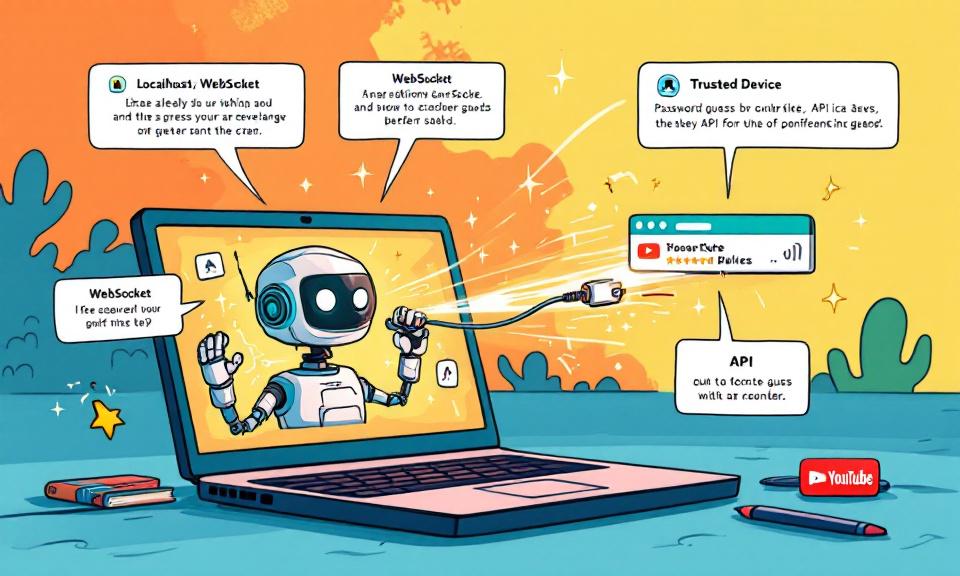
The speed at which developer-facing AI agents have been adopted is staggering — and rapid adoption often outpaces secure design. A recent, high-impact vulnerability in OpenClaw demonstrates how a single innocuous browser visit can be transformed into a full agent takeover. For developers and security teams, this is a reminder that conveniences like “localhost-first” assumptions carry real risk. This post
Category: Server and Virtualisation
Server Administration, Windows Server administration, Nginx, Apache, MySQL, PostgreSQL, MariaDB, MongoDB, VMware, vCenter, ESXi, Proxmox VE, Hyper-V, KVM, QEMU, libvirt, container, server monitoring, server security, SSH, remote access, FTP, SFTP, server performance, server hardening, iSCSI, NFS, SMB, CIFS, DNS server, DHCP server, web server, bare metal, rack server, IPMI, BIOS, RAID
Urgent Patching Required: Multiple VMware Aria Vulnerabilities Enable Remote Code Execution and Privilege Escalation
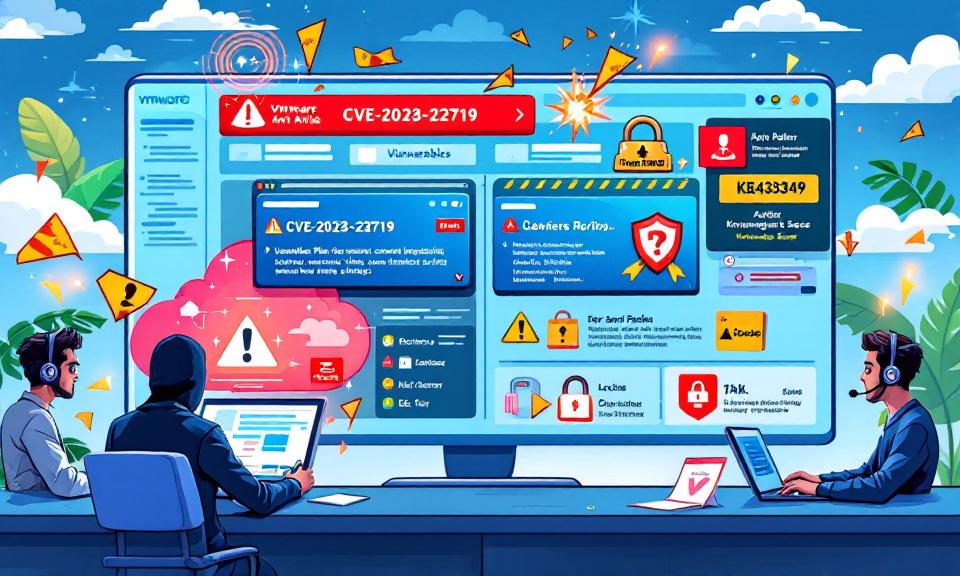
VMware’s Aria Operations — a cornerstone for many organizations’ cloud and infrastructure management — was thrust into the spotlight this week after Broadcom published VMSA-2026-0001, detailing three significant vulnerabilities. These flaws range from command injection that can lead to full remote code execution, to stored cross-site scripting that enables administrative actions, and a privilege escalation path from vCenter to Aria
From The Blinking Cursor to The Thinking Machine: A Memoir of Automation

There is a specific kind of silence that only exists in a server room late at night. It isn’t actually quiet—the fans are screaming, the air conditioning is humming like a jet engine, and the hard drives are clicking in a chaotic rhythm. But for those of us who have spent the last two decades in IT, it feels silent
Understanding GPO Inheritance and Blocking: Troubleshooting in Windows Domain Environments
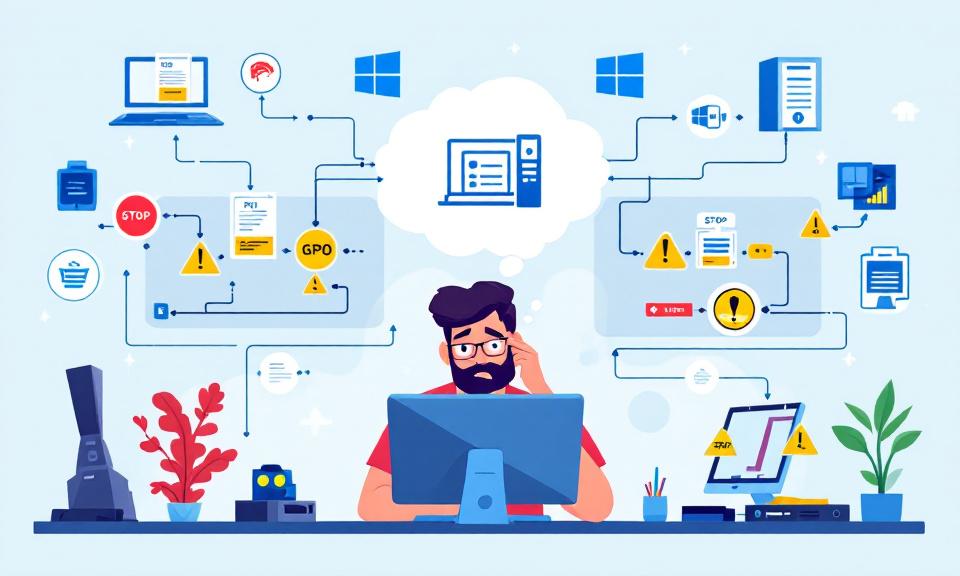
Group Policy Objects (GPOs) are the backbone of centralized management in Windows domain environments. From enforcing password complexity to deploying software, GPOs shape the configuration and security of every computer within an organization. While the concept of GPO inheritance promises simplicity—policies defined high up in the Active Directory (AD) hierarchy flow down to all subordinate units—the reality encountered by administrators
Face-Off: Windows PowerShell vs PowerShell Core — The Real-World Transition
PowerShell has come a long way since its inception, becoming an essential tool not only for Windows administrators but also for IT professionals working across platforms. The transition from the original Windows PowerShell to PowerShell Core represents more than just a version change—it’s a fundamental evolution in how command-line automation and configuration management are approached in the modern IT landscape.
The Ultimate Command Center for AdGuard Home Power Users
The Problem: “Friction & Context Switching” Whether you run a single AdGuard Home instance on a Raspberry Pi or manage a fleet across multiple locations, the daily management experience often feels disconnected. To simply check if your server is online, pause protection for a quick test, or block an annoying tracker, you have to: It doesn’t seem like much, but